How it works
- Open 02 Setup. Enter the area, the status date and the rules for classes and review intervals.
- List every task of the area in 03 Tasks and rate risk, frequency and change. Read the class and the decision per task.
- Enter every instruction on file in 04 Register with version, date of release or last review and the copies you found at the stations.
- Write the first instruction in 05 Instruction with an operator at the station. Paste the photos, print at A3 and try it out.
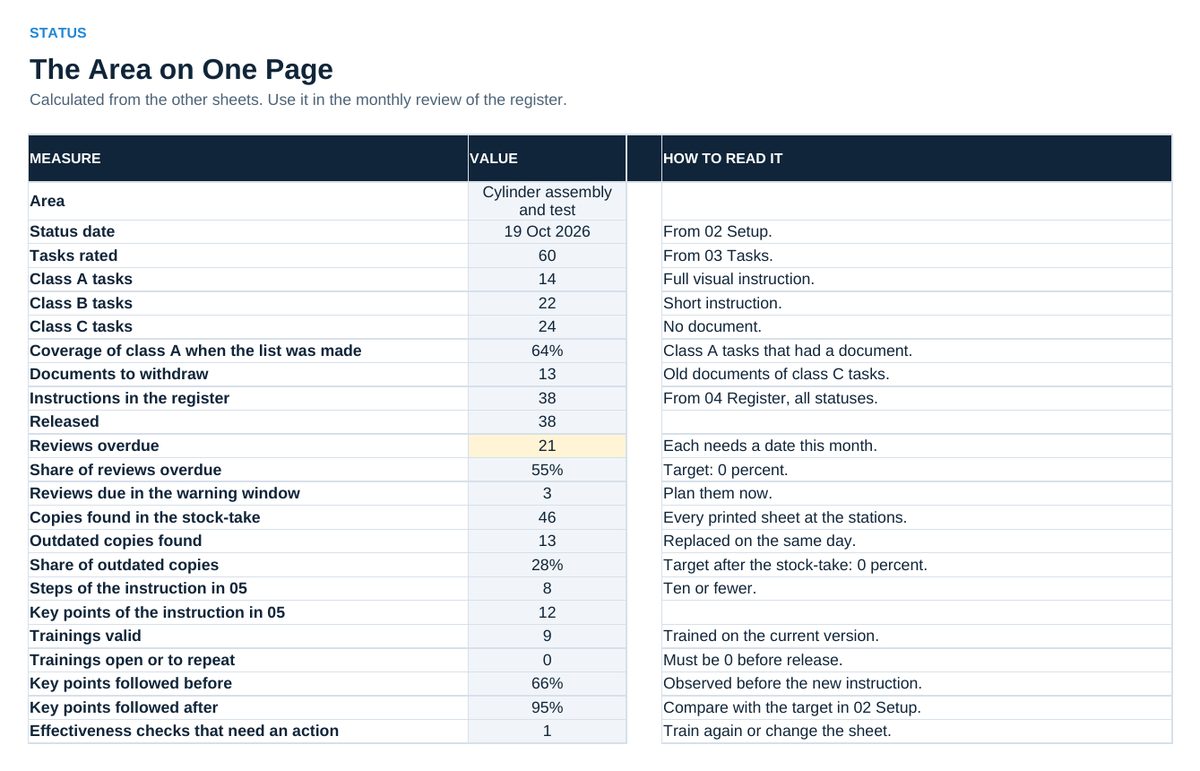
- Record the training and the effectiveness check in 06 Training. Read 07 Status every month.
Definitions used in the workbook
- Task: A piece of work with a start and an end that one person can be trained on.
- Score: Risk x frequency x change, each from 1 to 3. Class A: risk 3 or score 12 and above. Class B: score 6 to 9. Class C: score 4 and below.
- Key point: What decides safety, quality or ease in a step. Every key point has a reason.
- Review: Watching the job with the sheet in the hand. A signature alone is not a review.
Sheets in the workbook
- Start
- Setup
- Tasks
- Register
- Instruction
- Training
- Status
Who it is for
Supervisors, team leaders and quality engineers who bring the work instructions of one area under control.
The method behind the numbers
This workbook is part of the Work Instructions toolkits. The Starter Kit adds the guide and the checklist for the first 30 days. The Excellence Bundle adds playbook, workshop pack, templates, deck and the complete Excel system.